Wedding Player
for Any Event
Built for weddings. Ready for any event with moments
If your event runs to a sequence of musical cues, Wedding Player handles it. Rename the moments to your running order, set the fades, and play it all reliably offline.

 Free to Try
 It is the Wedding Player app, fully customisable. The moments are yours to name, so the same reliable tool works far beyond the aisle.
Rename and Reorder the Moments
Wedding Player builds moments for each part of the day, each with its own music and fades. Play through, or set a moment to loop until you are ready and it advances to the next when you are.
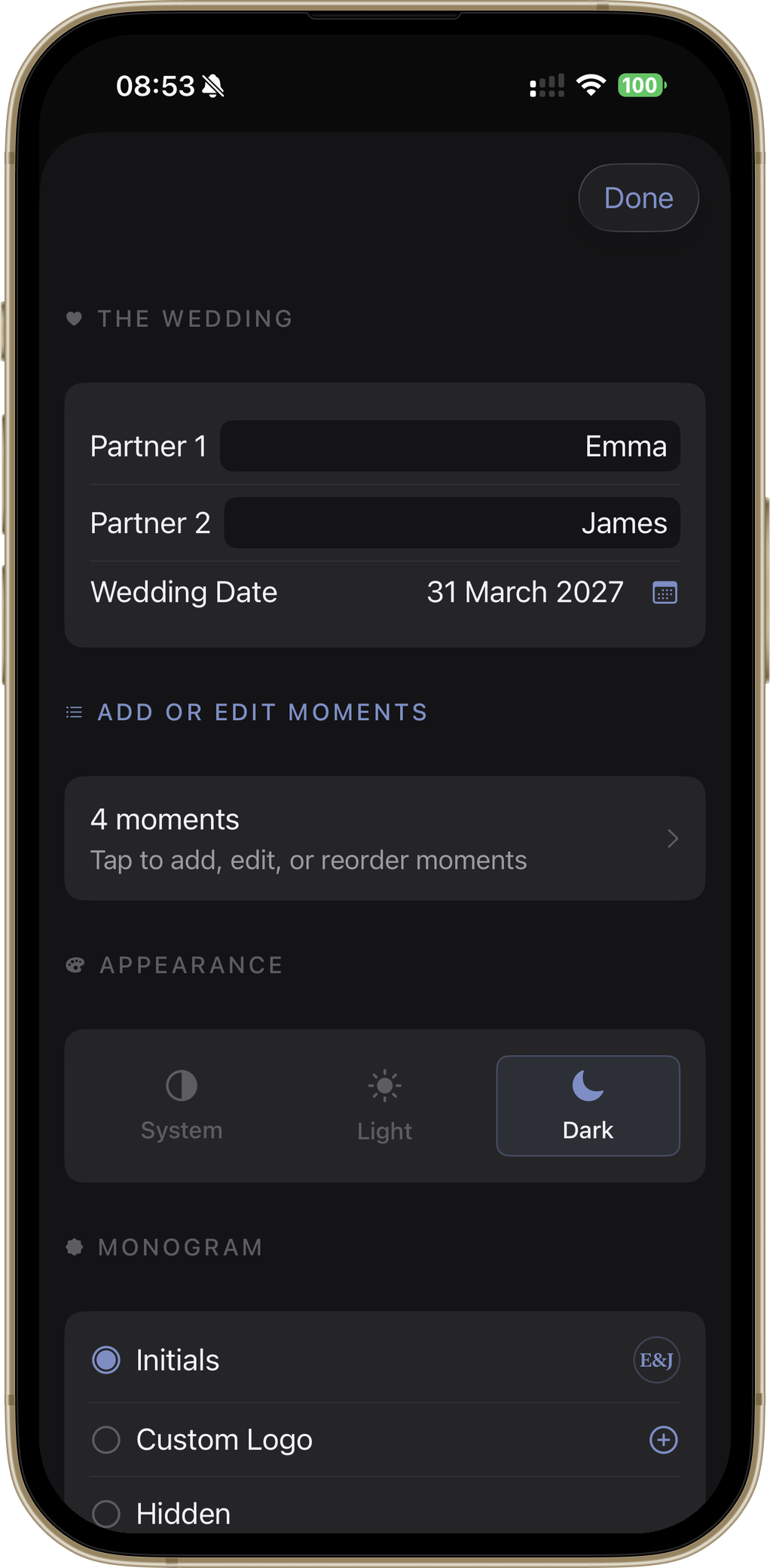
Because the moments are simply named segments, you rename them to match any event and drag to put them in the right order. The wedding labels are just a starting point.
Any Event With Cues
Memorials & celebrations of life
Welcome, Reflection, Tribute, Closing
Naming ceremonies
Arrival, Promises, Celebration, Exit
Vow renewals
Entrance, The vows, Toast, First dance
Award evenings
Doors, Walk-on, Interval, Finale
School & community productions
Pre-show, Act one, Interval, Act two
Corporate functions
Arrivals, Keynote, Networking, Wind-down
Reliable Where It Counts
Plays offline
No venue WiFi required. Your music plays locally from the device, with no streaming and nothing to stall.
Hold until ready
Set any moment to loop until you are ready, then advance with a tap. The music never runs out before the moment does.
Panic-proof controls
Go Live mode locks the interface down to large, unmissable controls, so anyone can run the music on the day.
Light and dark mode
Set dark mode in the app's settings, or let Wedding Player follow your device's automatic light and dark mode, so the screen suits the room.
Keep Each Event Separate
Whether you are an event host, officiant or organiser running music for more than one event, the Professional Licence keeps each event in its own workspace so you switch between them in a tap. Nothing is wiped: each event stays intact while you prepare the next. One licence covers unlimited events, from £5.99 a month or £49.99 a year, with a free month to start.
Any-Event Questions
Can I use Wedding Player for something other than a wedding?
How do moments work?
Will it play without WiFi?
Is it easy to run on the day?
I run several events. How do I keep them separate?
Try It for Your Next Event
Free to download. Rename the moments to your running order and play it all offline.
Questions? Get in touch